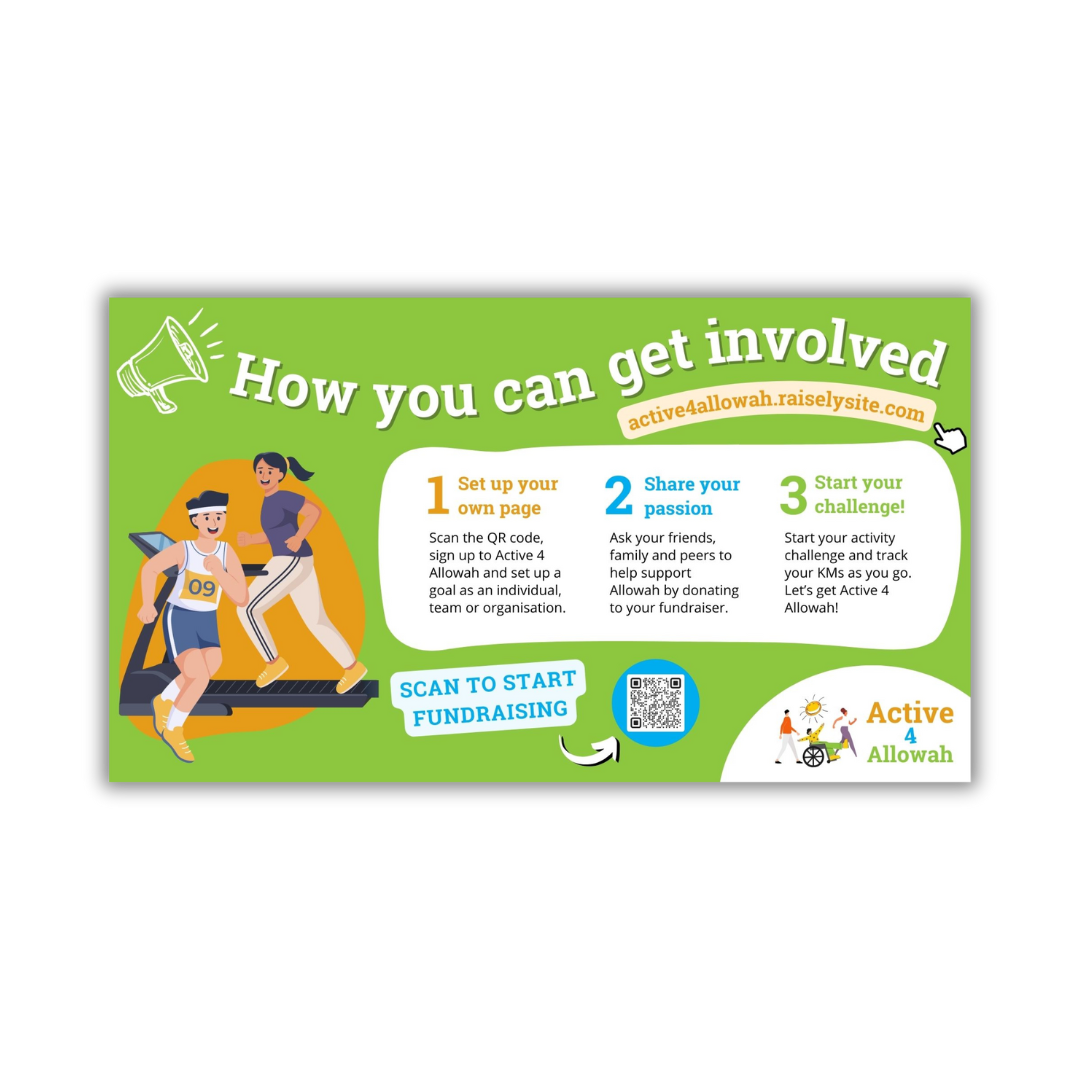
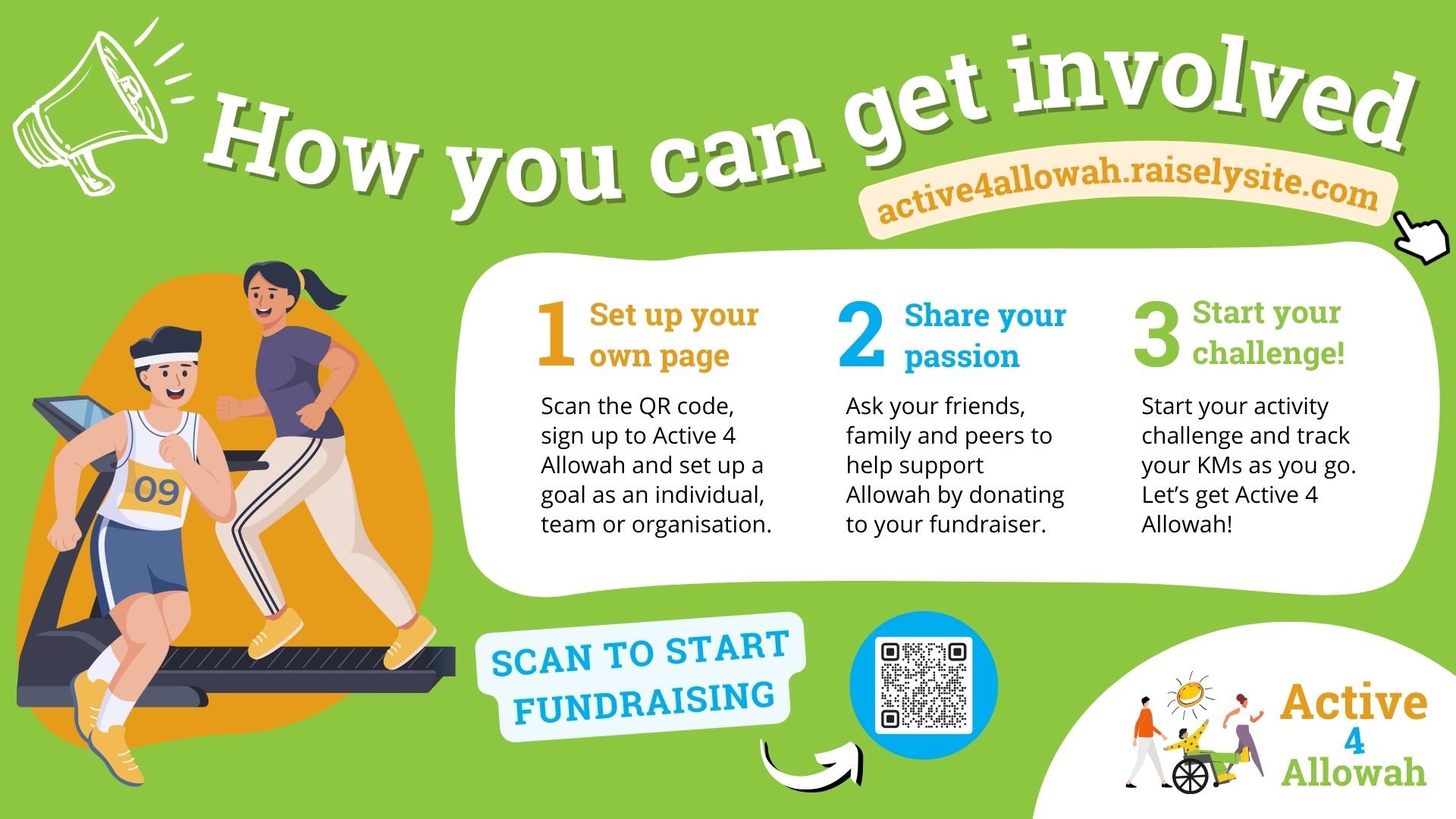
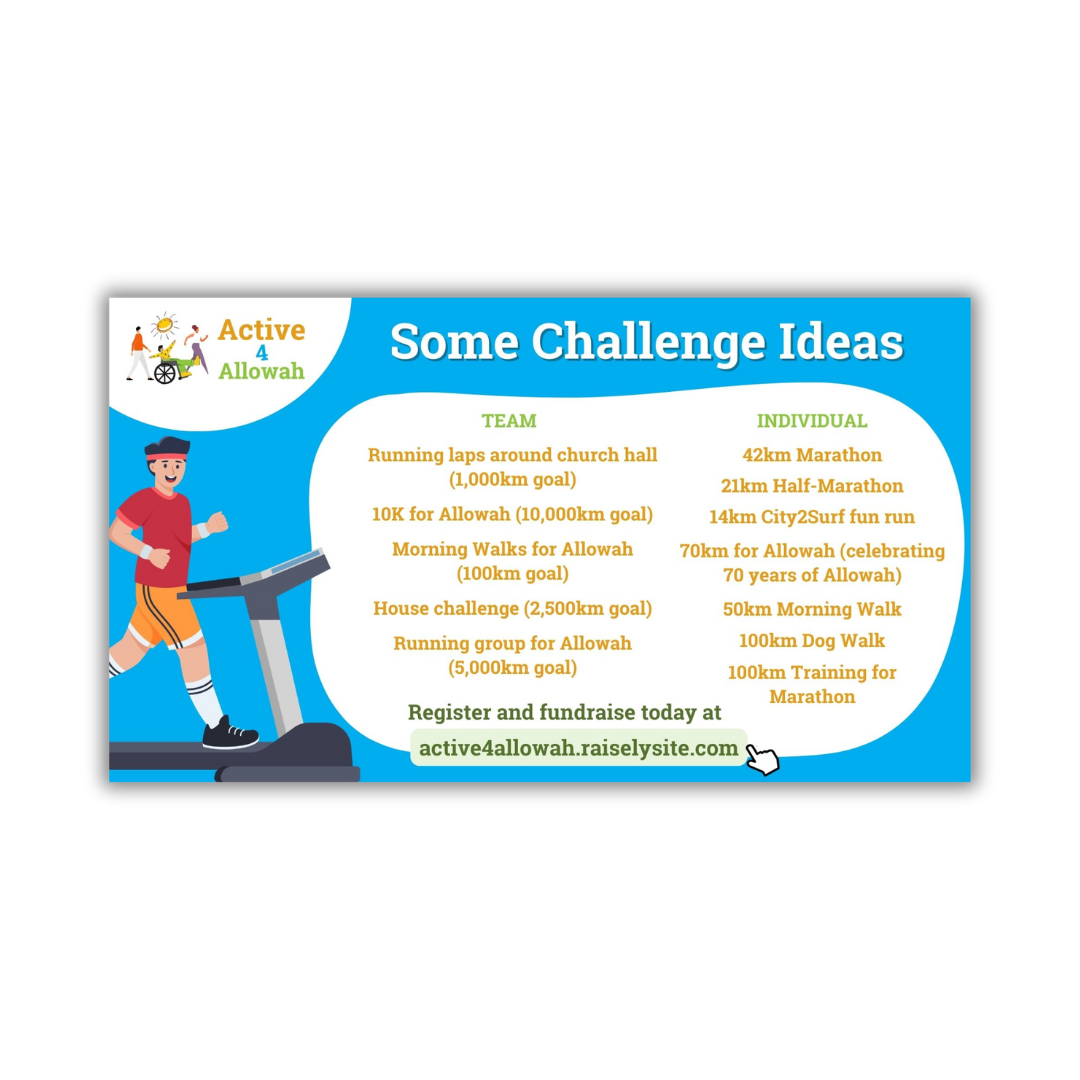
Take a look at these materials and media to download for use in your church.
To download the file:
Hover over your desired document,
Click the link icon,
(PDF) Download the file using the icon on the top right corner,
(IMAGE) Right-click the image and select ‘Save image as’,
(VIDEO) Right-click the video and select ‘Copy video URL’ – note: this will not download the video, but allow you to share the link or to show the video on another platform.